 DS Lister Pro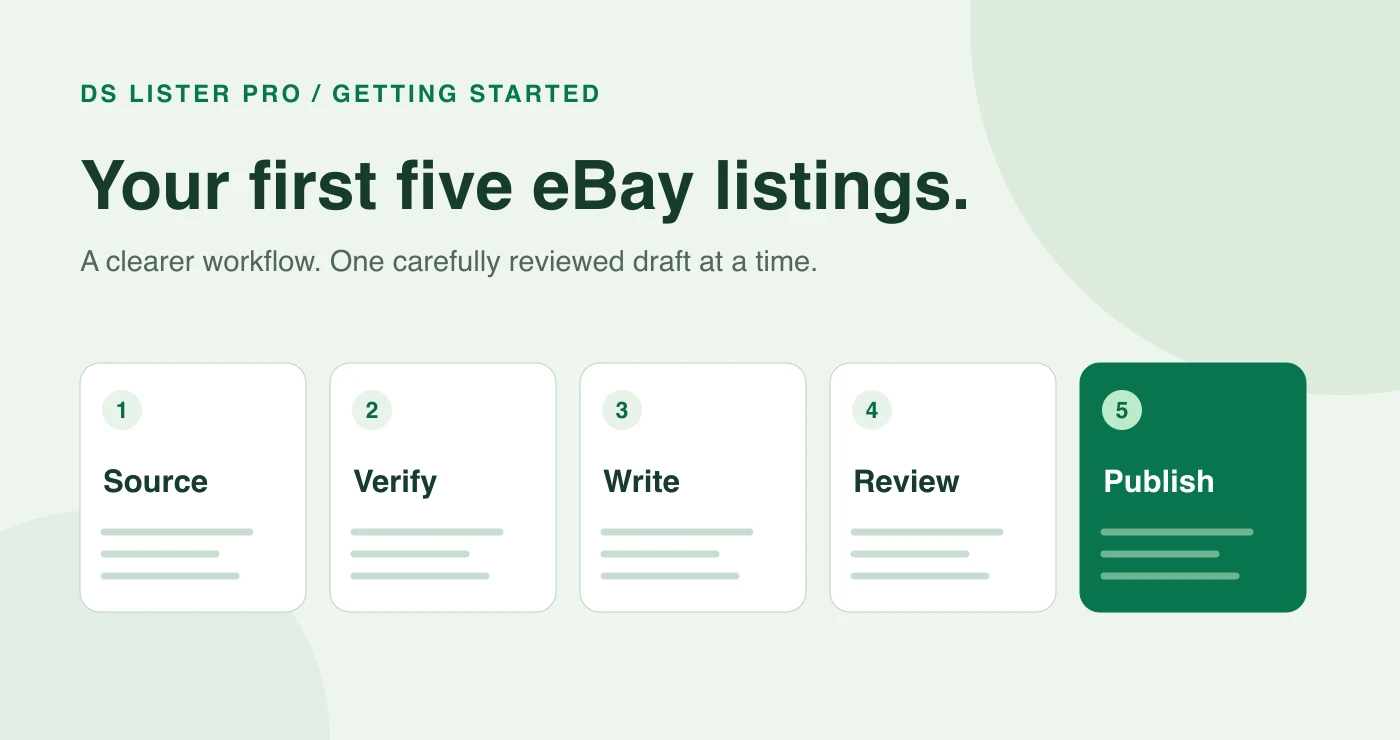
Your first five listings are a useful way to test a repeatable workflow: gather reliable product facts, prepare clear copy, check the commercial details and review the finished eBay draft. Work through one item carefully before repeating the process for the other four.
DS Lister Pro helps prepare listing content and fill an eBay draft through your logged-in browser session. You remain responsible for the accuracy of the listing, your sourcing arrangements and the promises you make to buyers.
1. Start with products you can fulfil reliably
Before writing a title, confirm the exact product and how the order will reach the buyer. Keep a record of the model, variant, dimensions, condition, available quantity and delivery arrangements. If something is uncertain, resolve it before publishing.
Make sure your sourcing method fits eBay’s dropshipping policy. eBay permits fulfilment directly from a wholesale supplier. It does not permit listing an item and then buying it from another retailer or marketplace to ship directly to the customer. A listing tool does not change that distinction.
For a first batch, choose five items whose details you can verify. This makes it easier to spot an incorrect specification or an unrealistic delivery promise during review.
2. Gather the facts before generating copy
Create a short reference note for each product. Include the information you would want to see if you were buying it yourself:
- The exact brand and model, where applicable.
- The colour, size, material and quantity included.
- Measurements and compatibility details you have verified.
- The condition, including any relevant defects.
- Photographs you have permission to use that represent the item accurately.
Keep this note beside your draft. AI-assisted writing can organise the facts, but it should not become the source of facts you have not checked. Remove unsupported claims about performance, certification, compatibility or included accessories.
3. Prepare a clear title and description
Use DS Lister Pro to prepare the listing from a supported product page, then review the resulting draft. A useful title explains what the product is. A useful description tells the buyer what they will receive, what it does and which limitations matter.
For example, a title such as “Adjustable Aluminium Laptop Stand, Silver, Foldable” is more informative than a string of generic promotional phrases. Only include those characteristics when they describe the actual item.
Break the description into short sections. Explain the main features, list the verified specifications and state what is included. Read it once without looking at the source page: would a buyer understand the item from this description alone?
4. Review category, specifics and commercial details
The prepared draft still needs a seller’s review. eBay recommends accurate categories and item specifics, alongside clear titles and descriptions, in its listing guidance.
Use this checklist before approving each draft:
| Check | What to verify |
|---|---|
| Product | Title, description, images and selected variant describe the same item. |
| Category and specifics | Required fields are complete and the category fits the product. |
| Price | The selling price accounts for product cost, delivery, applicable fees and your intended margin. |
| Delivery | Item location, handling time and delivery estimate reflect your actual arrangements. |
| Returns | The stated policy matches what you can provide and the requirements that apply to your account. |
| Quantity | The number offered is supported by reliable availability. |
Use current fees for your own eBay site and account when checking the price. This guide does not assume a universal fee rate or promise a particular profit.
5. Check the finished draft, then repeat
Open the completed eBay draft and review it as a buyer would. Check the main photograph, read the title, inspect the selected variant and scan the description on a narrow screen. Fix anything ambiguous before publishing.
After the first listing, keep the checklist and repeat it for the remaining four. Consistency matters more than rushing through a batch. The same review process is useful when you return to update an existing listing.
What the DS Lister Pro trial includes
The current introductory offer is £1.99 for seven days and five listings. It is a paid trial. The subscription then renews at £11.99 per month unless cancelled before renewal. Review the current plan details before starting.
Use the trial to evaluate the preparation and review workflow with a small, manageable batch. Your own eBay account requirements and any applicable eBay charges remain separate.
Common questions
Does DS Lister Pro guarantee a sale?
No. A listing tool can help with preparation, but sales also depend on the product, demand, price, delivery, competition and buyer confidence.
Should I publish AI-generated copy without reviewing it?
No. Check every factual claim against reliable product information. In particular, confirm measurements, materials, compatibility and what comes in the package.
Can I skip checking eBay’s policies?
No. Review the rules for your product, sourcing method and selling location. The official links in this guide are starting points; your situation may have additional requirements.
Guide reviewed on 11 September 2026. Product offers and marketplace rules can change; check the linked pages before making a decision.
Related reading
For a careful browser workflow, see this honest Chrome extension comparison. When pricing your first listings, use eBay dropshipping fees explained (UK and US) to sanity-check the margin.